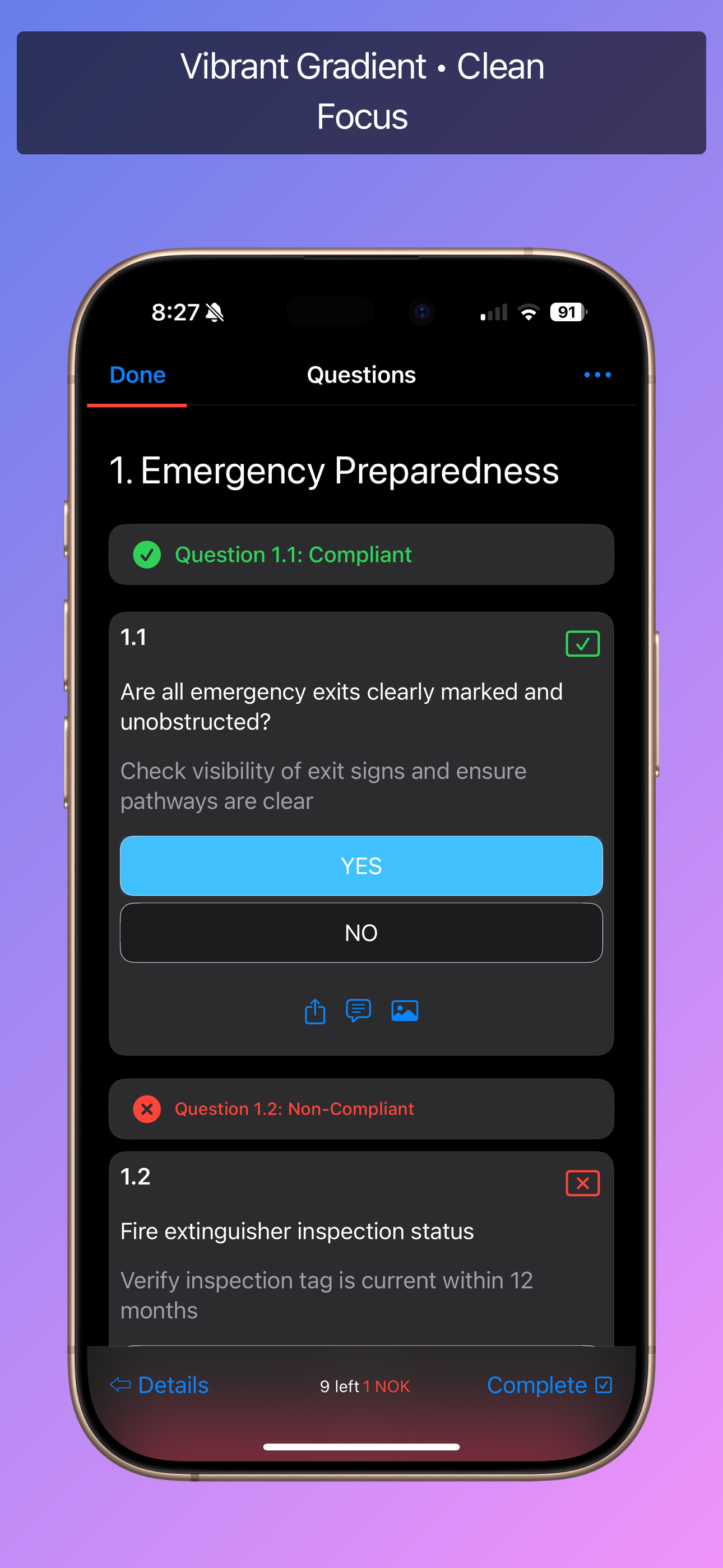
Modern
Vibrant gradient with floating device and clean captions. Great default for most apps.
Vibrant gradient85% scaleCenteredAll devices
appshot template modern
Explore ready-made layouts for every device family. Mix gradients, captions, and frames without leaving your terminal.
     _                       _           _
    / \   _ __  _ __  ___| |__   ___ | |_
   / _ \ | '_ \| '_ \/ __| '_ \ / _ \| __|
  / ___ \| |_) | |_) \__ \ | | | (_) | |_
 /_/   \_\ .__/| .__/|___/_| |_|\___/ \__|
|_| |_| Spin up App Shot, drop screenshots, and build a polished gallery in minutes.
Install globally via npm:
npm install -g appshotInteractive setup with templates:
appshot quickstartDrop your captures into:
screenshots/iphone/Generate final assets:
appshot buildTemplates automatically adapt to different Apple devices with optimised scaling, caption sizing, and positioning.
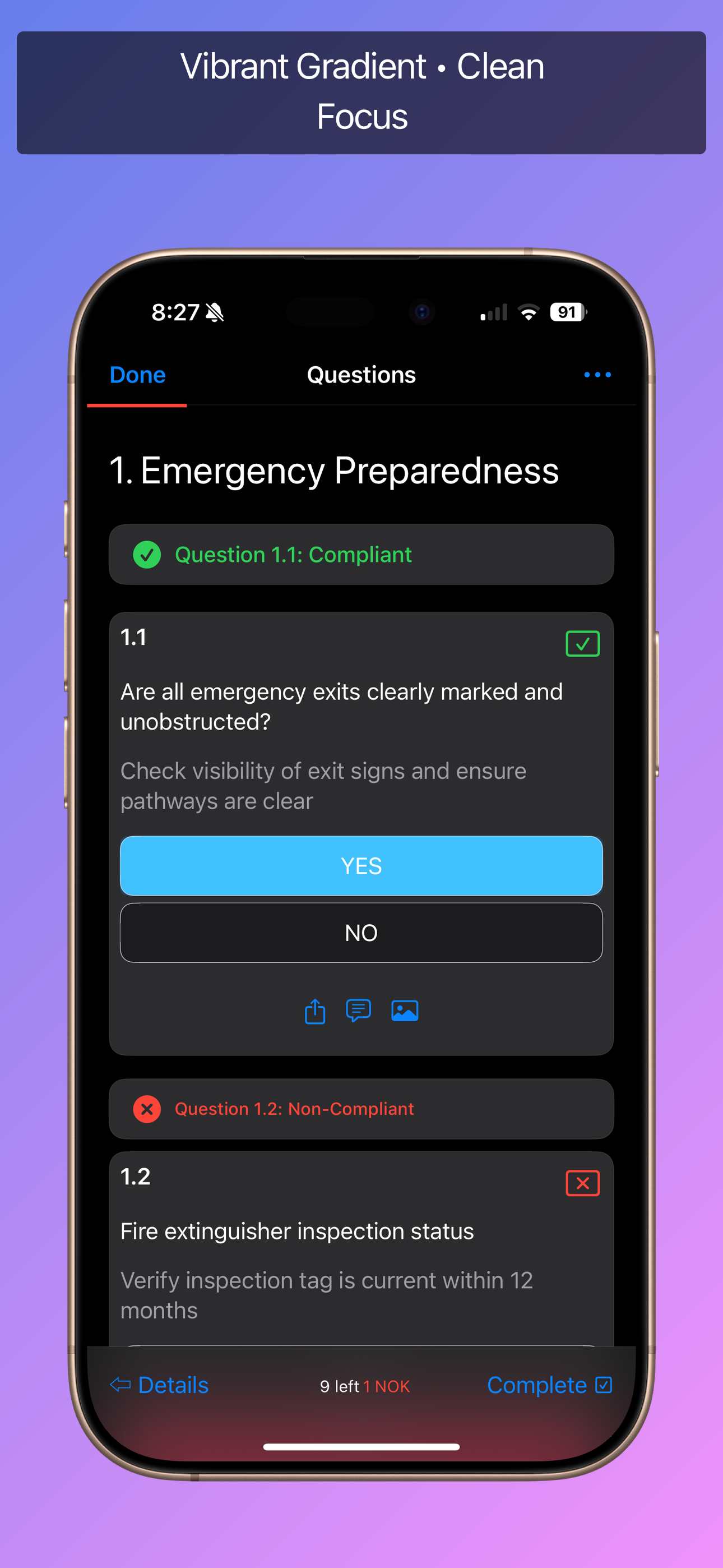
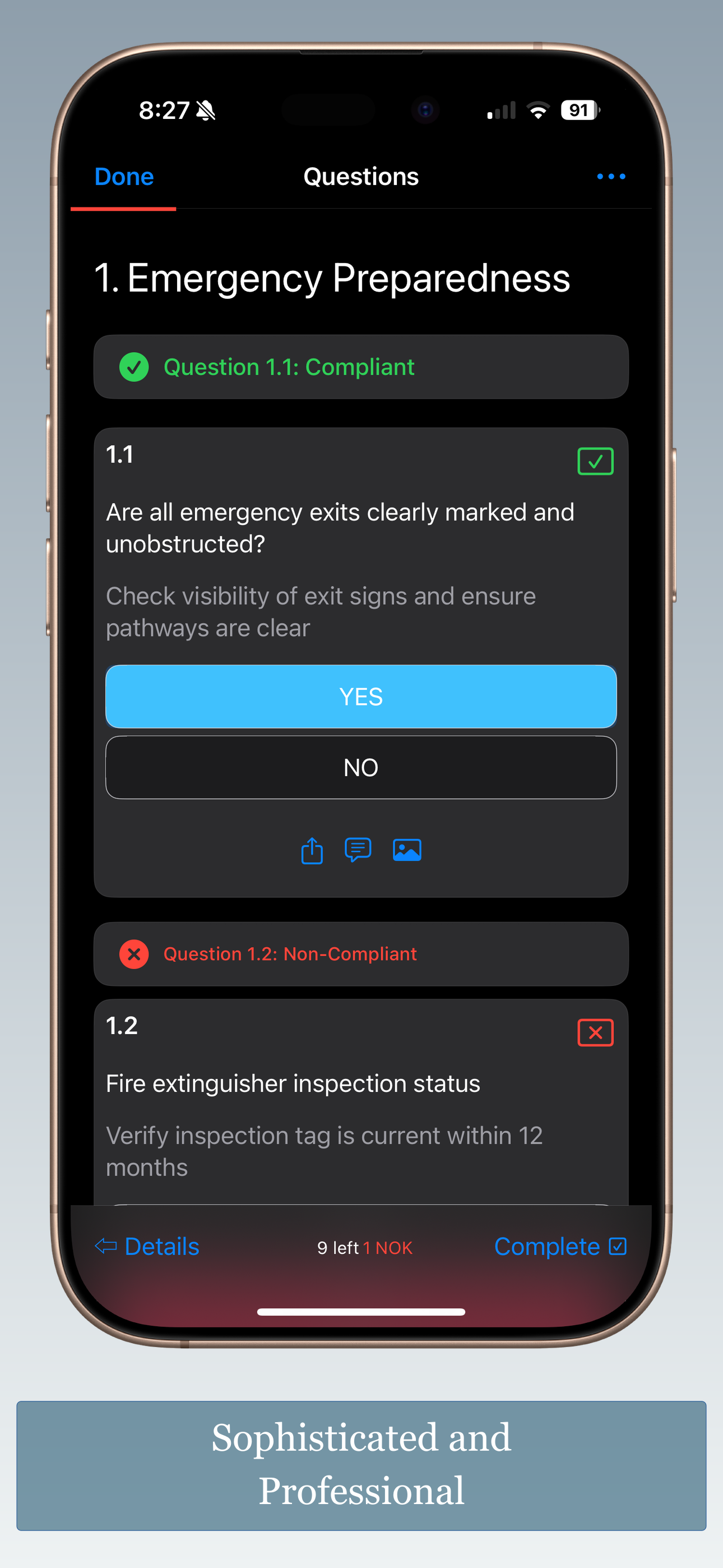
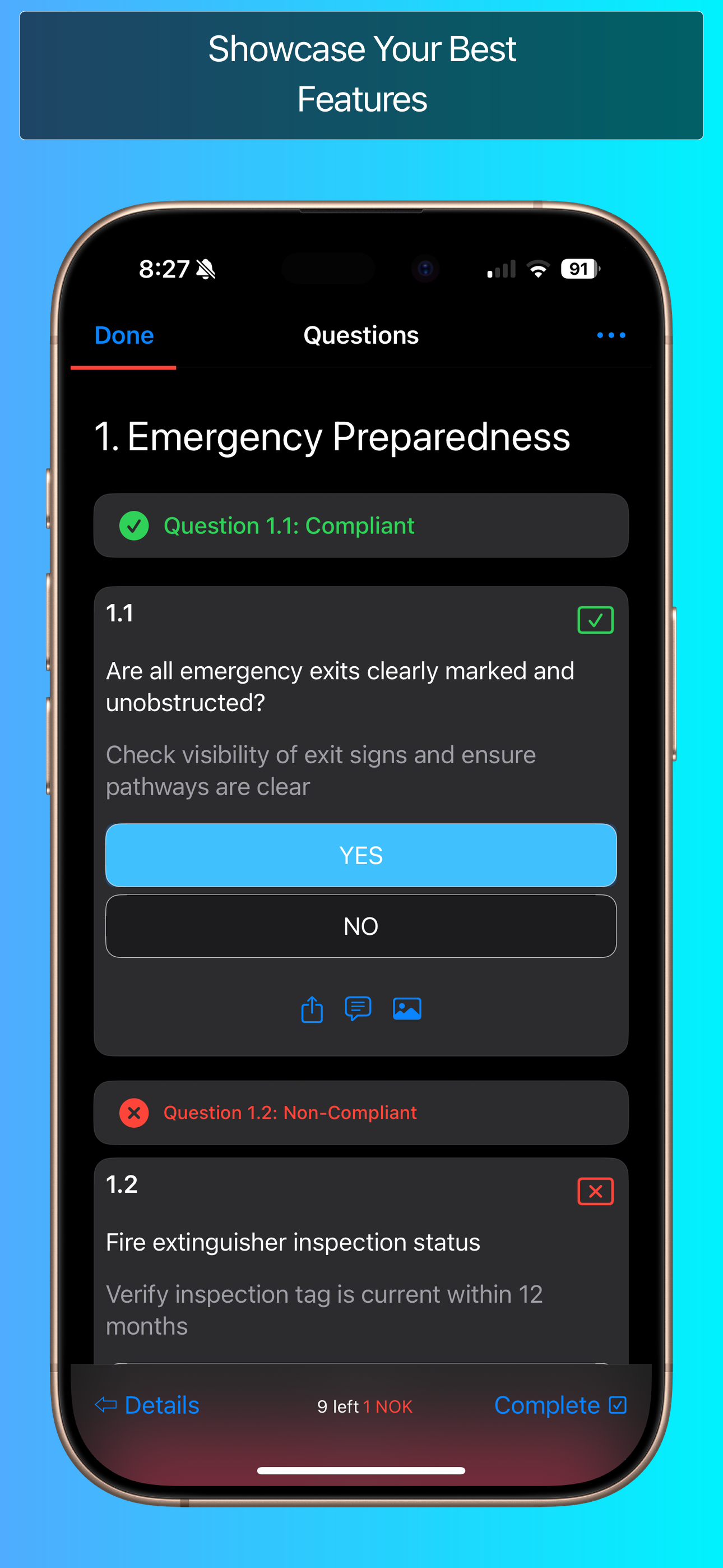
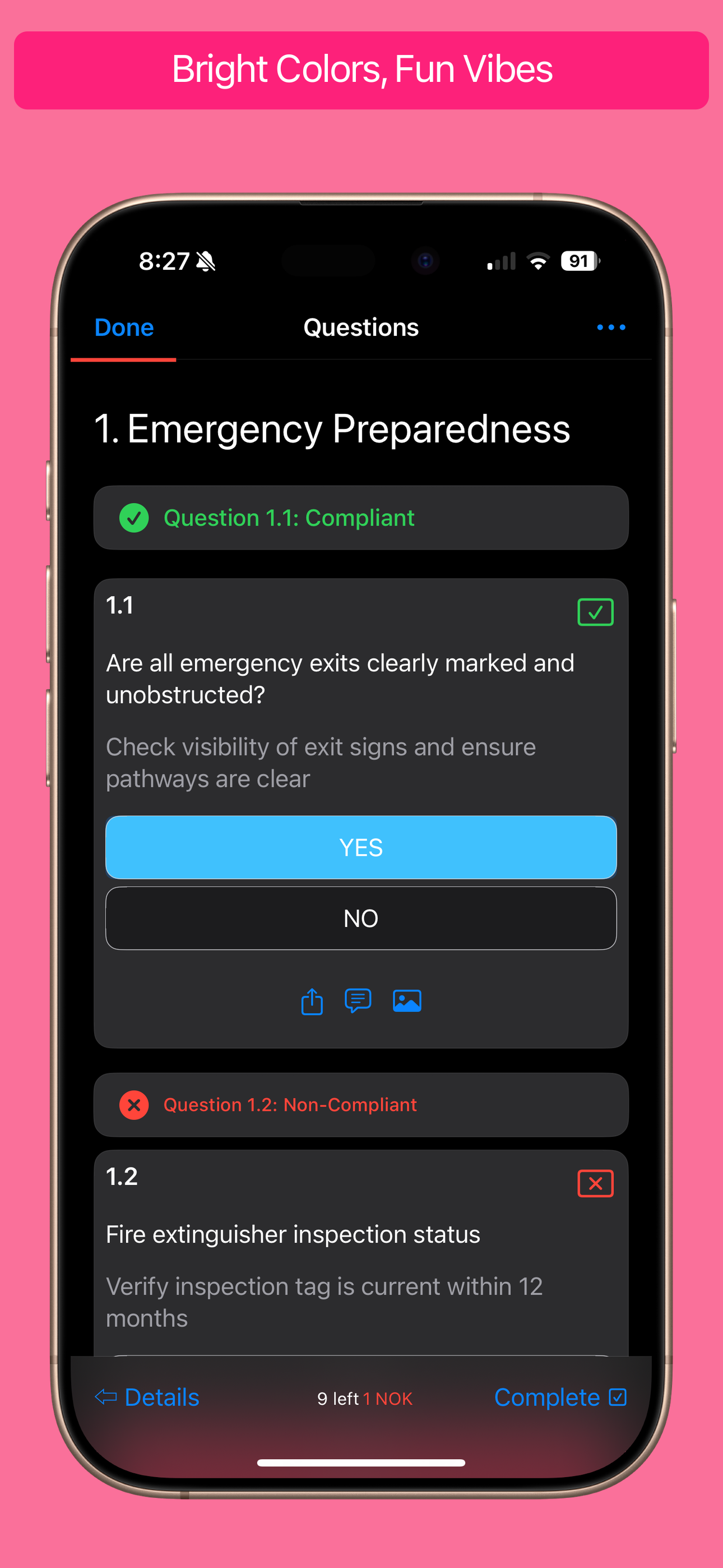
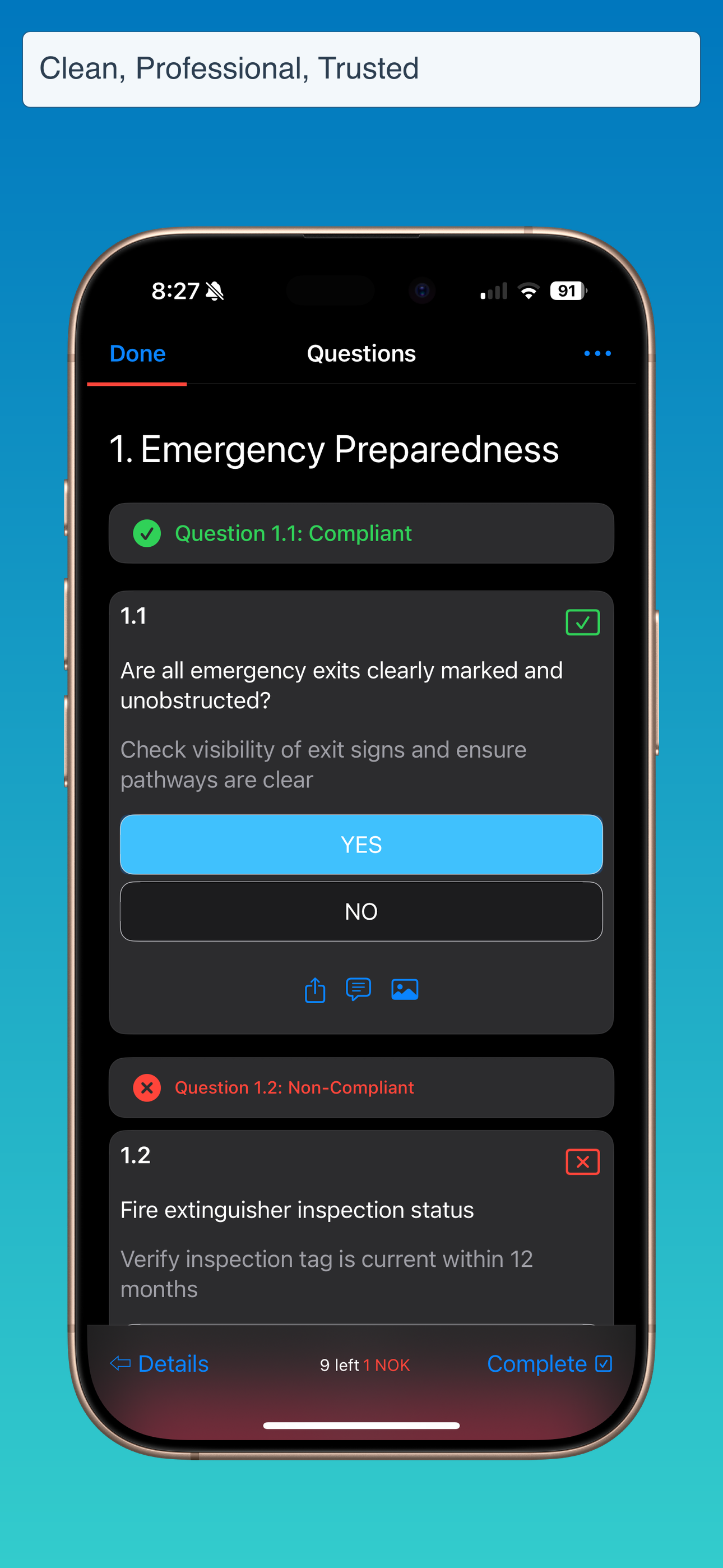
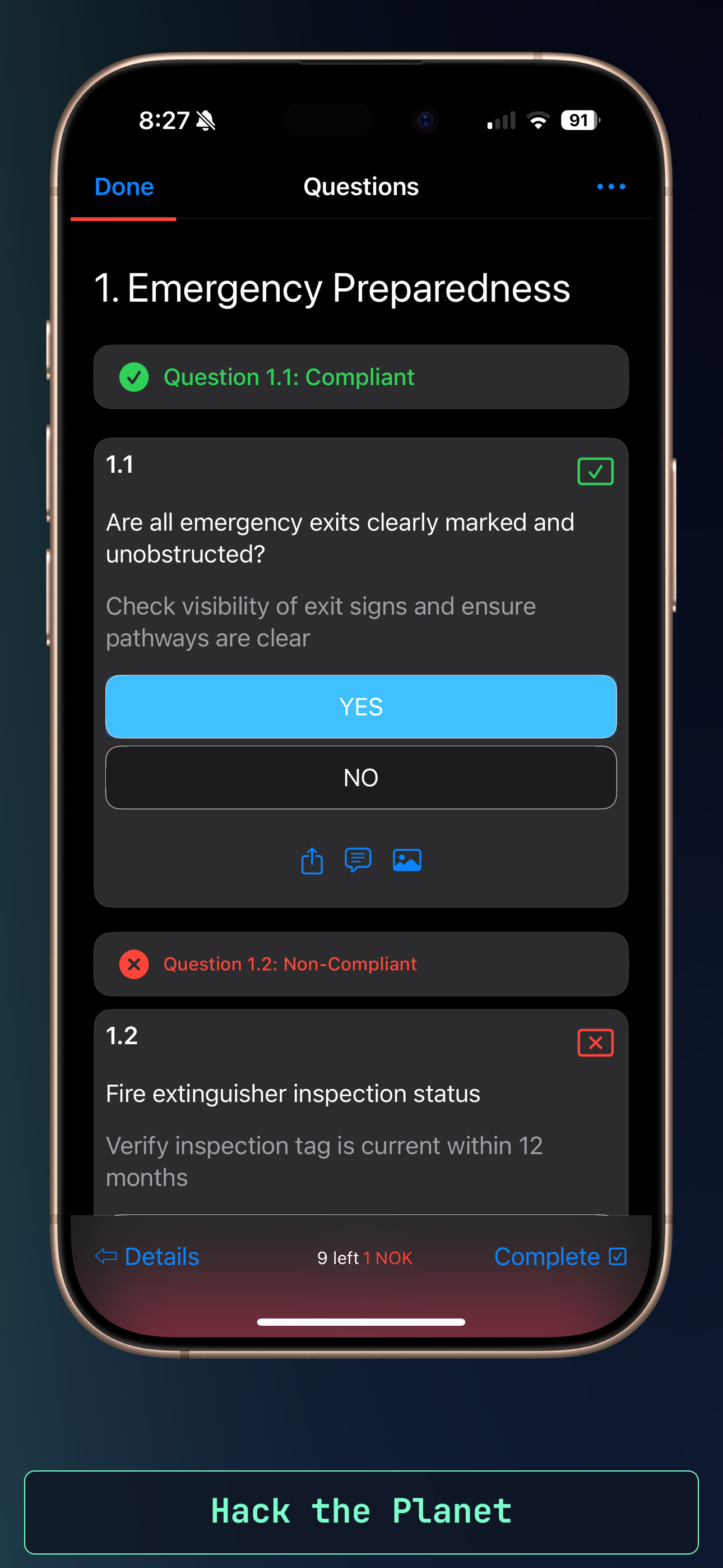
Standard positioning with 85% scale. Full-height frames keep captions centered for maximum impact.
Automatically scales to 75% and nudges devices lower (60%) to balance the larger canvas without crowding captions.
Large 110-130% scale keeps tiny screens visible while captions auto-wrap to two lines at 32-36px.
Professional framing at 90-95% with flexible caption positioning tuned for wide 16:10 landscapes.
Copy any command below to pull a template into your project with gradients, captions, and device frames pre-configured.
Vibrant gradient with floating device and clean captions. Great default for most apps.
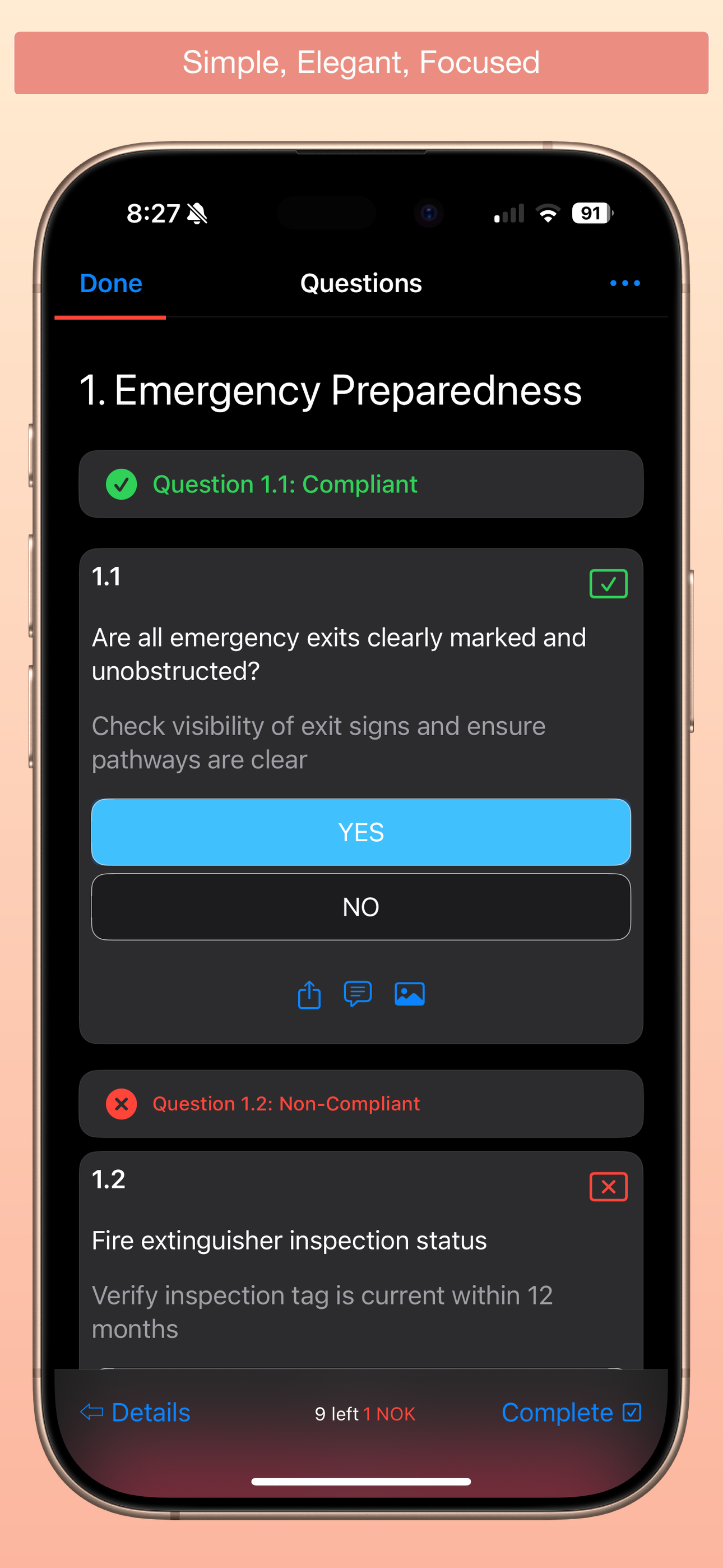
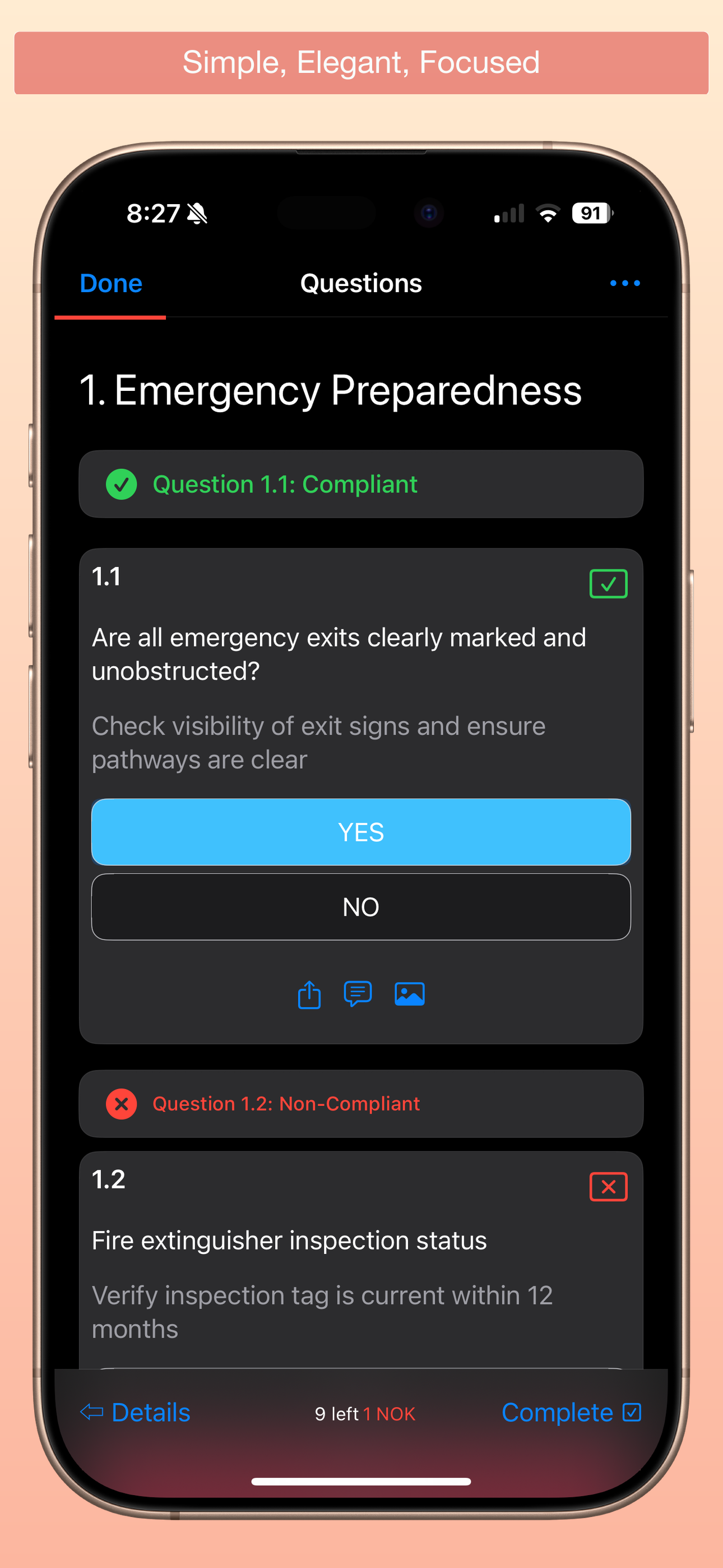
Soft pastel backdrop with elegant typography. Clean and focused composition.
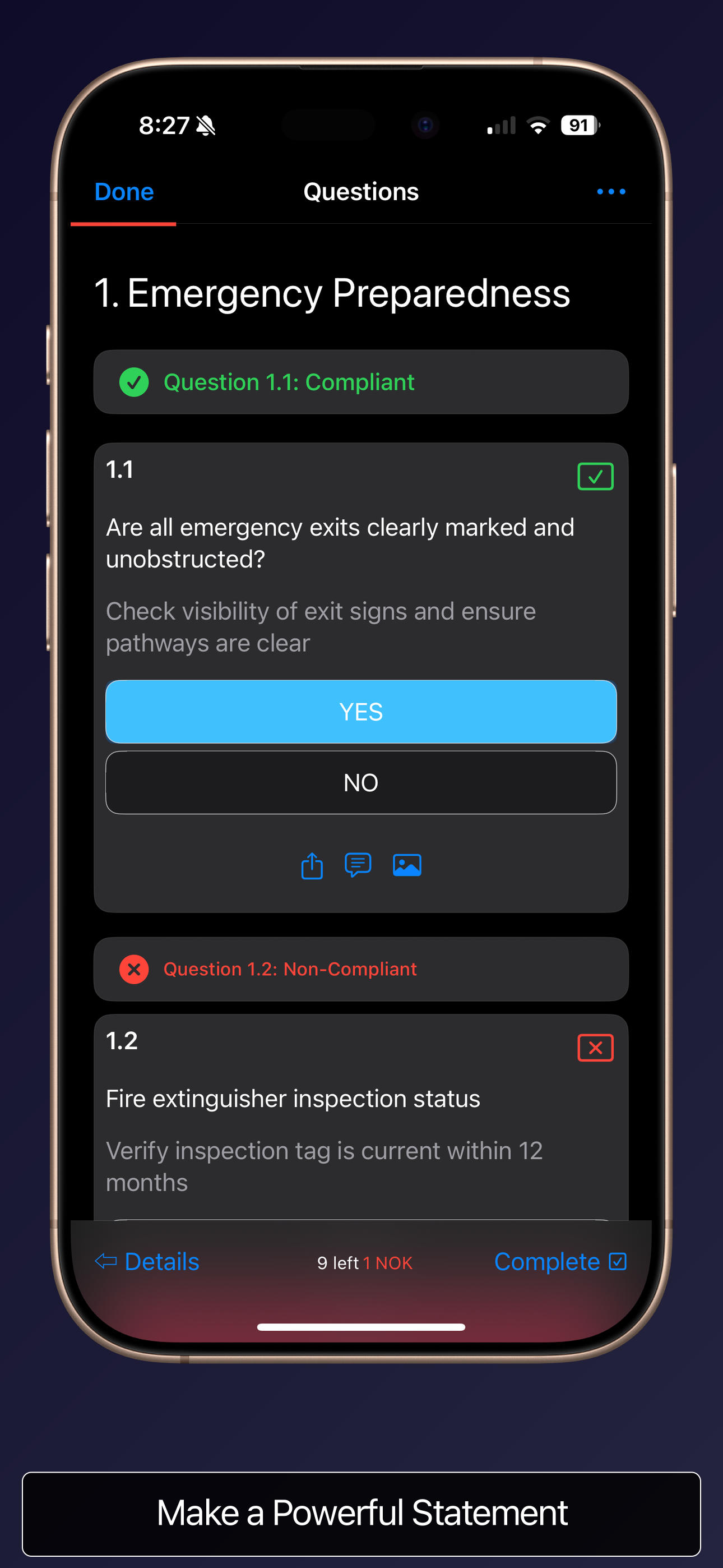
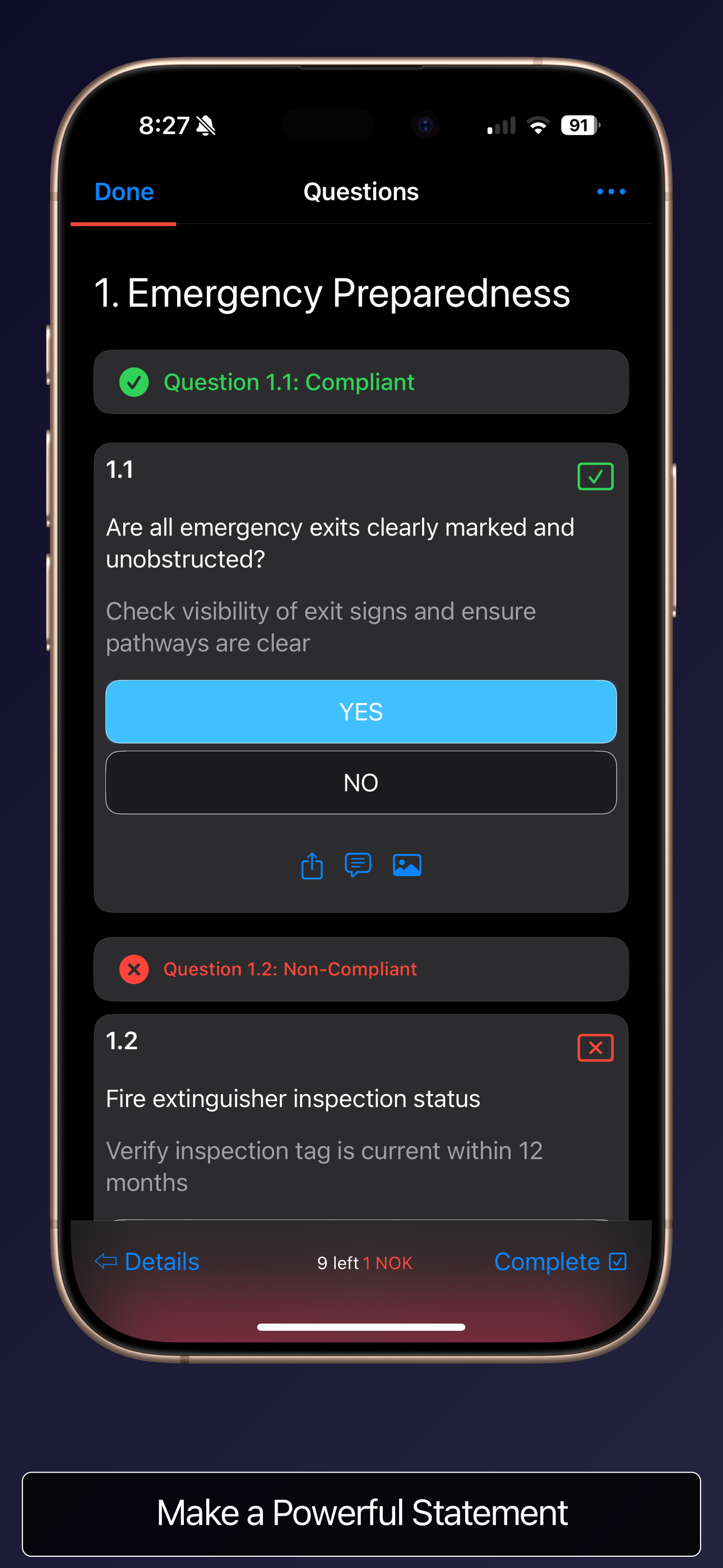
Dark dramatic gradient with oversized device and overlay captions to make a statement.
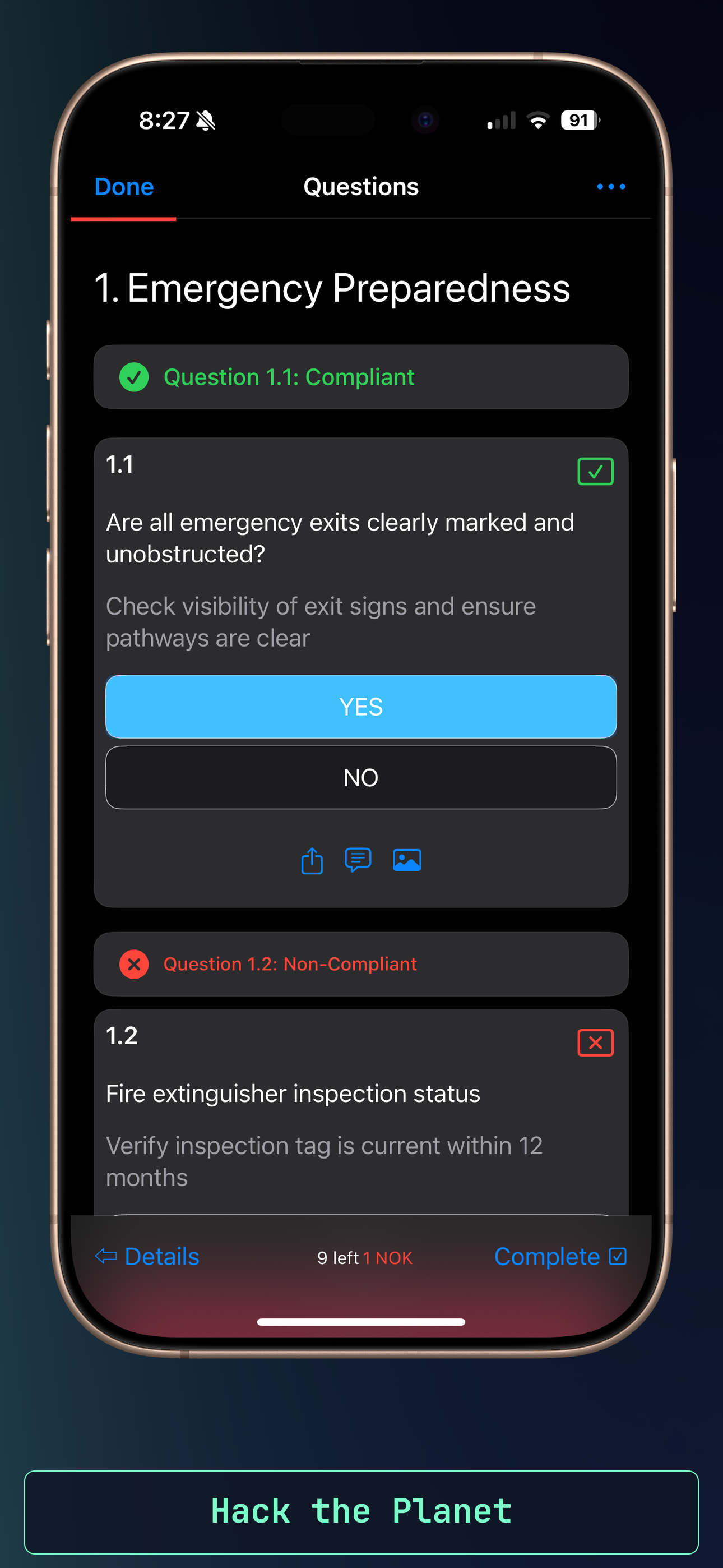
Grid-lined midnight palette with JetBrains Mono captions. Built for terminal lovers.
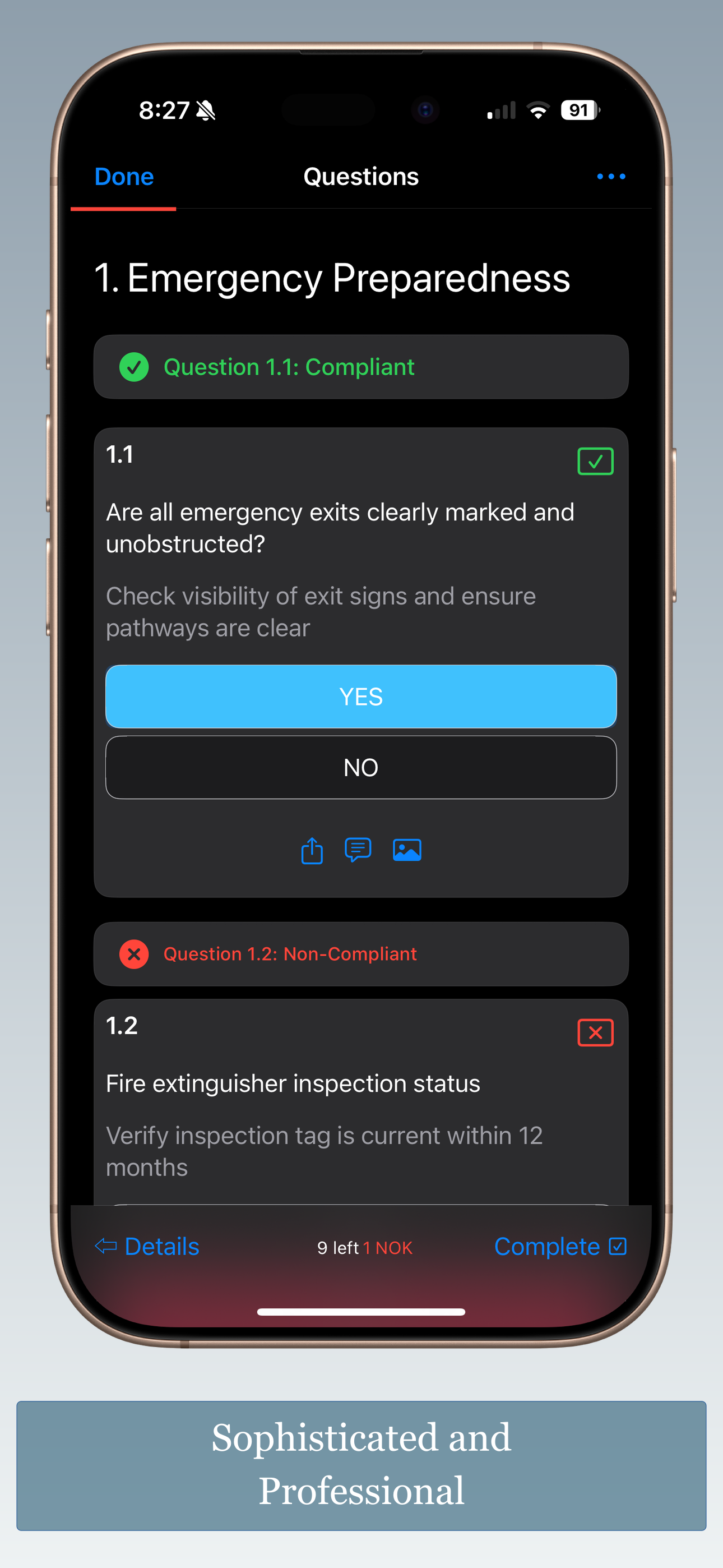
Sophisticated monochrome treatment with floating device. Professional and refined.
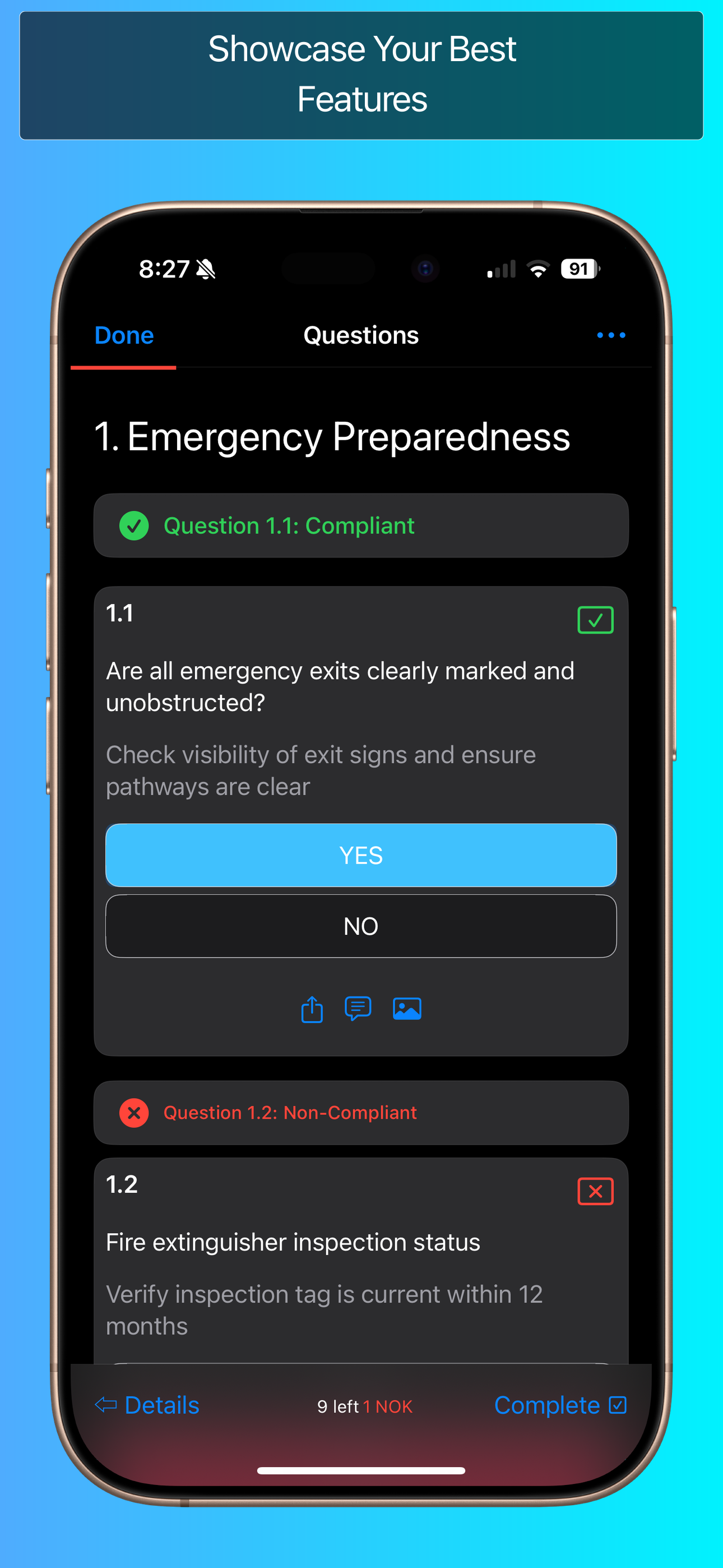
Glassmorphism overlays that auto-detect your custom background.png assets.
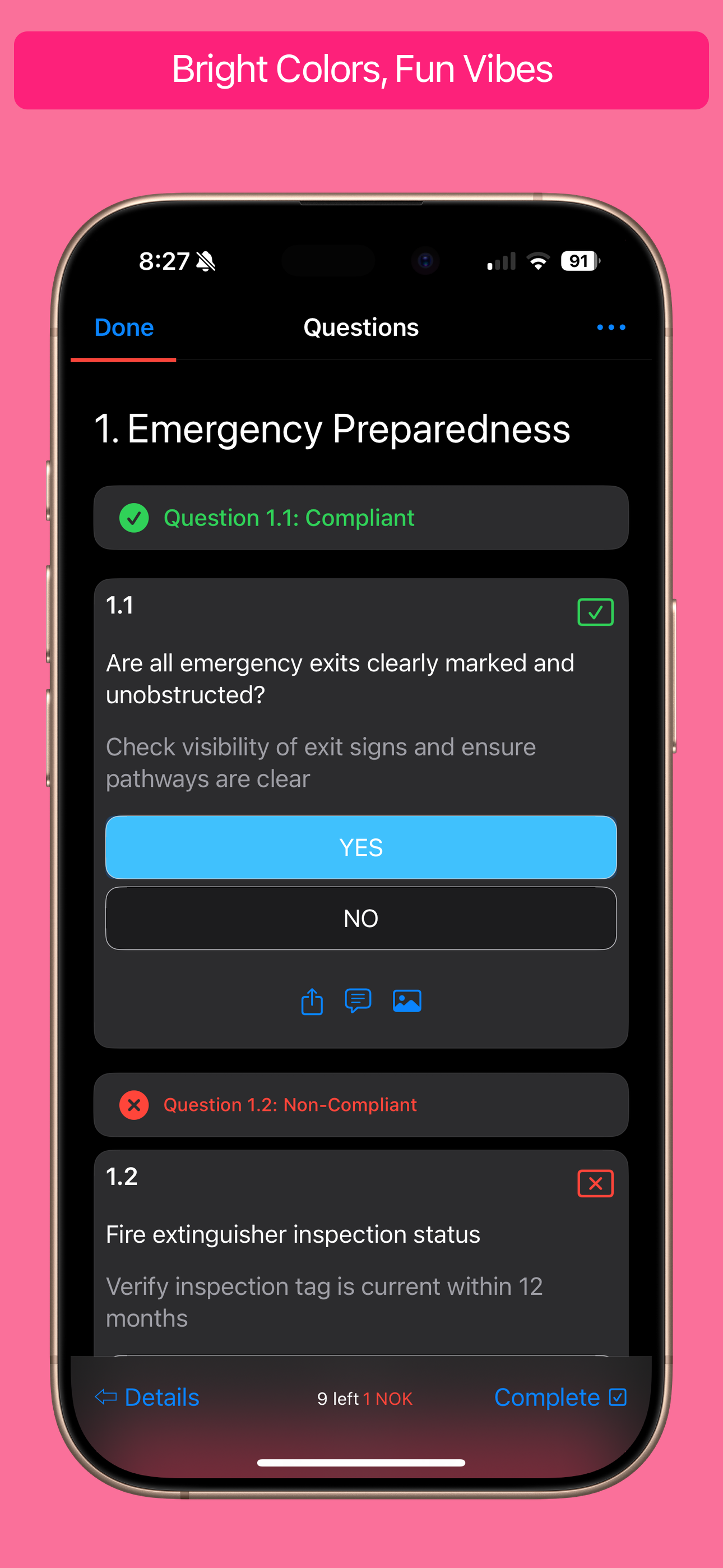
Bright, energetic gradients that snap for games and entertainment apps.
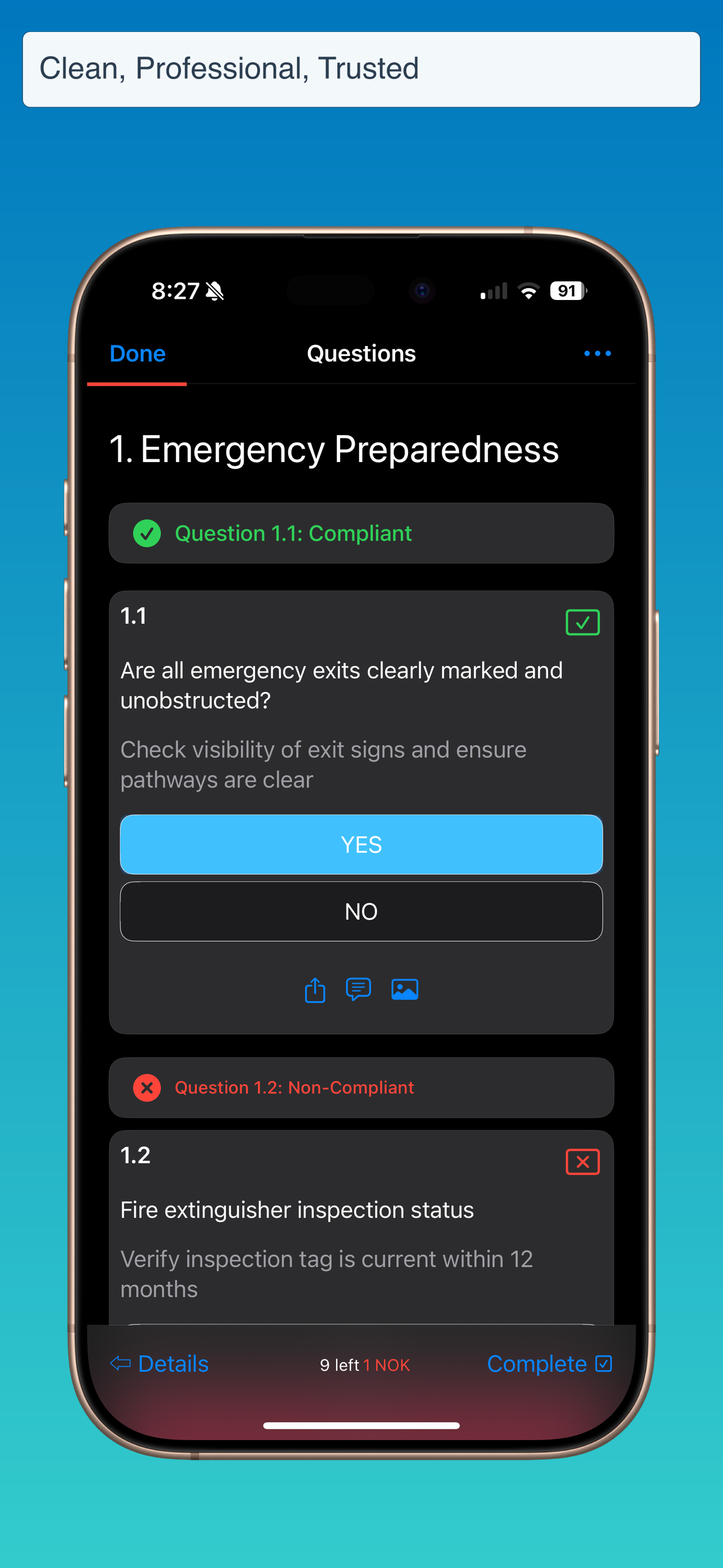
Clean, professional layouts tuned for productivity and business-focused stories.